
Podcast Resources
Save 5 Hours of Work Each Week with 5 Automations
Still posting each episode to your website manually (or having someone do it for you)?
Still trying to post consistently (manually) on social media?
In this free PDF download are 5 secrets to streamline your content posting/creation process using low-cost and free software so that your content gets repurposed and posted consistently and automatically.
With these 5 easy solutions in place, your energy can remain focused on creating attractive content and growing your business, rather than in the back-end of your website!
Attract Your Ideal Clients with Custom Messaging
What you say in the first 90 seconds of your podcast matters for attraction, retention, and shareability. How listeners feel as your podcast episode ends has a direct result in the action they take, making your outro segment another critical component. Your trailer will be the most-often played episode as potential listeners use it to decide whether this show is for them.
Let’s hone your podcast messaging with your ideal listener in mind and establish the core components of your podcast with intention, so you have plug-and-play pieces to properly package each episode!
Script Like a Pro with Connective, Custom Content
Perhaps you have a vague idea of what you want to talk about.
Or perhaps you have too many ideas and need to distill them into digestible episodes… Either way, this download helps you map your most frequently asked questions, client pain points, and unique solutions into content pillars.
You’ll learn how to select keywords and begin outlining potential episode topics and, as a bonus, this free PDF will even help you script your full episode using ChatGPT. Never wonder what to say or how to say it again!
Convert Listeners to Clients Like Clockwork
Do your episodes have an intentional Call To Action?
The #1 mistake I see in podcasting for business is lack of strategy and infrastructure around the CTA. Listeners won’t go out of their way to hunt down your free thing or sign up for your newsletter, especially if you never talk about it!
This free PDF helps you create powerful episodes that will draw listeners into your email list using the CRAFT Formula… there’s even a companion podcast episode to help.
Discover & Track Hidden ROI in Your Podcast
ROI for your podcast is generated by more than just listeners converting to clients. Did you know there are 8 top-level categories of HIDDEN ROI within your podcast?
In fact, you’re likely missing out on the true impact your show is creating for your business, simply because these elements aren’t being tracked!
What gets measured grows, so start tracking your podcast’s ROI (obvious and not so) today with this free, customizable spreadsheet.
Make Post-Conference Follow-Up Fun & Easy
You love attending conferences, but aren’t good at following up with those connections, because it’s overwhelming and you aren’t even sure what to say beyond, “It was great to see you!”… am I right?
This free PDF download and companion podcast episode help you use content you’ve already created as a tool for following up in a meaningful way that will further the relationship. No more avoiding the list or spinning in overwhelm leading to lost connections, thanks to this Post-ConferenceRelationship Toolkit!
Design & Launch Your Podcast with Confidence
This Podcast Launch Workbook walks you through each step – from concept to recording to hosting – so you can pull the pieces together on your own, knowing you’ve got all the bases covered.
By taking the time to fill in the answers on this downloadable, printable workbook, you’ll be more prepared and more strategic about your podcast launch than 96% of other podcast hosts out there!
Write Show Notes People Will Actually Read
Ever clicked into the description of a great episode only to find a massive wall of text? Ugh, a complete turnoff!
With this Show Notes Template, you’ll capture their attention with bullet points, time stamps, and short, catchy paragraphs. The quick tips on this free PDF help you improve SEO, make your show notes skimmable, and make your episode findable. Triple win!
Reccomendations
My most-used, favorite software & equipment for podcasting.
(These are affiliate links – no pressure to purchase, but if you do, I’ll receive a small payment from that company. With that said, I don’t recommend them because of the affiliate fee. They’re listed here because I like and use the product/service.)
Record Episodes
Record audio/video podcast episodes from your computer with anyone in the world in the highest quality. I’ve tried several platforms, and Riverside is several notches above the rest. Here’s my affiliate link for Riverside.fm
Get Excellent Equipment
Avoid sounding like you’re in the bathroom or a wind tunnel by getting a Dynamic microphone with a USB connection and some headphones. The Podmic USB Dynamic microphone from RØDE is your best bet! That’s my affiliate link.
Find/Be a Guest
Guesting on others’ podcasts and having (at least 1 guest/mo on your show) is STILL the #1 way to grow your podcast & expand your reach. Don’t podcast in a silo! PodMatch is my top recommendation to grow your show.

Take Way Better Notes
Now I get WAY more out of my meetings, thanks to the Fathom notetaker. I tried a few AI tools because I needed action steps and to-do lists, and summaries that were actually useful from my meetings. It integrates easily with Zoom and emails me and my guest the notes!
Build Your Email List
Convert listeners to clients by collecting their email addresses and nurturing them with helpful emails each week. Kit (formerly Convertkit) lets you integrate your RSS feed so your subscribers will automatically get an email each time you publish a new episode!

Provide Feedback
If you’ve ever wished you could click and make a note at the moment you hear/see something on an audio/video file, this is for you! We use Frame.io within our team for collaboration and to share edited file versions with our clients for feedback. Who might you share WIP files with?

Share & Store Large Files
Video file storage is a BEAST! My team uses Dropbox to store & share all our files. With a shared Upload link, clients send us files without creating their own paid account, and we can share various versions across team members easily. If you’re storing original, edited, and final video episodes, you need Dropbox.
Host Your Video Podcast
The video podcasting space is still a bit fragmented, but I’ve got a few tricks up my sleeve! The only way to get your video podcast on Apple, is to use a video-supportive podcast host account. Host with PodBean to distribute your audio AND VIDEO seamlessly to any podcast player apps in the world.

Auto-Post Videos to Your Site
Say “bye-bye” to manually adding your episodes as blog posts. With this Automatic Video Posts Plugin for WordPress, your video podcast automatically posts to your website each time you publish. Want to see it in action? Check out my podcast/YouTube episode blog posts 🙂

Recent Video Episodes
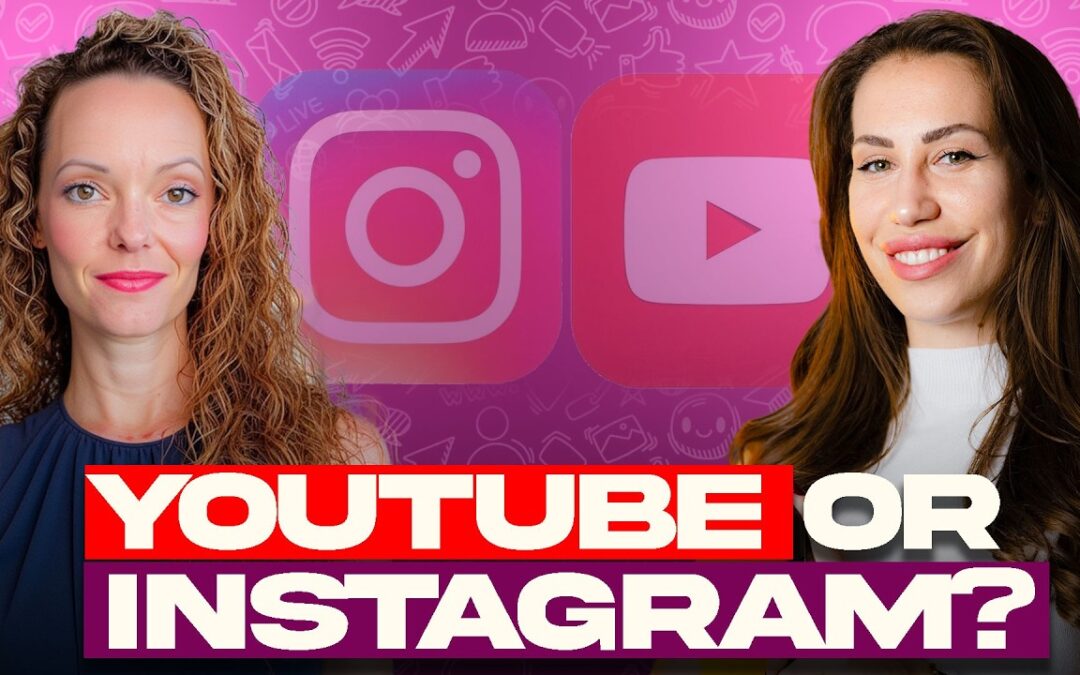
YouTube vs. Instagram for Financial Advisors: Where Should You Create Content First? | EP 121
If you are podcast curious but wondering whether you should start with YouTube, social media, or podcast guesting first, this bonus-style episode will help you think through that decision more clearly. Danica Cicmil is a financial educator in Germany who helps expats...
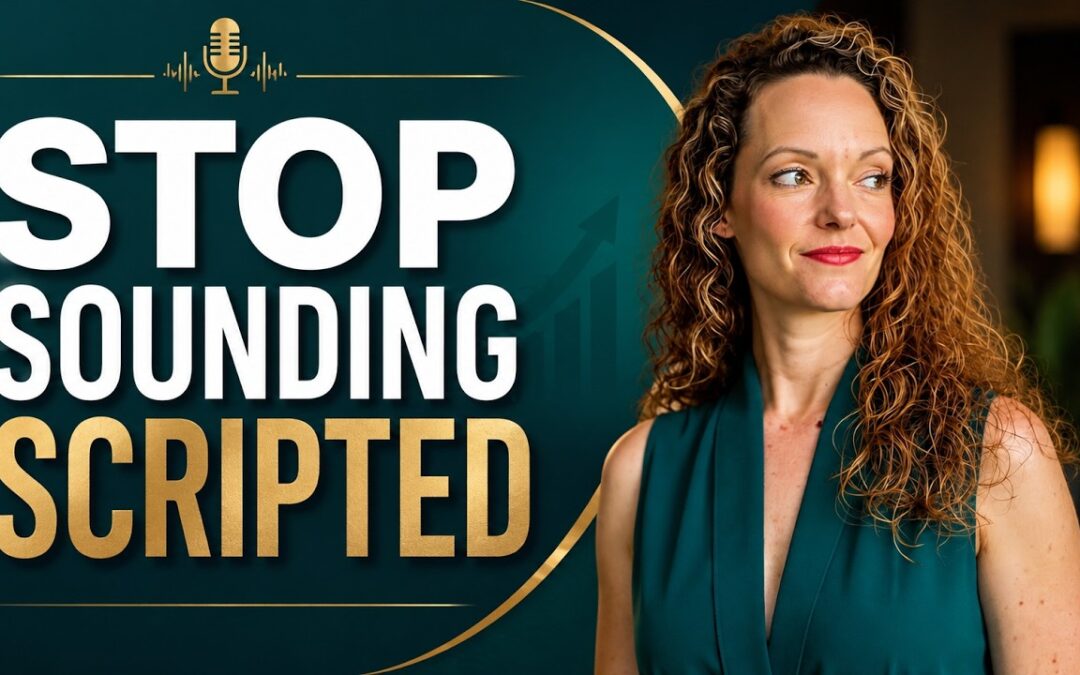
How to Script Your Podcast So You Still Sound Natural | EP 119
If you have ever tried to script a podcast episode and immediately worried that you sounded stiff, overly polished, or completely unlike yourself, this episode is for you. Many financial professionals fall into one of two traps. They either try to wing the whole...
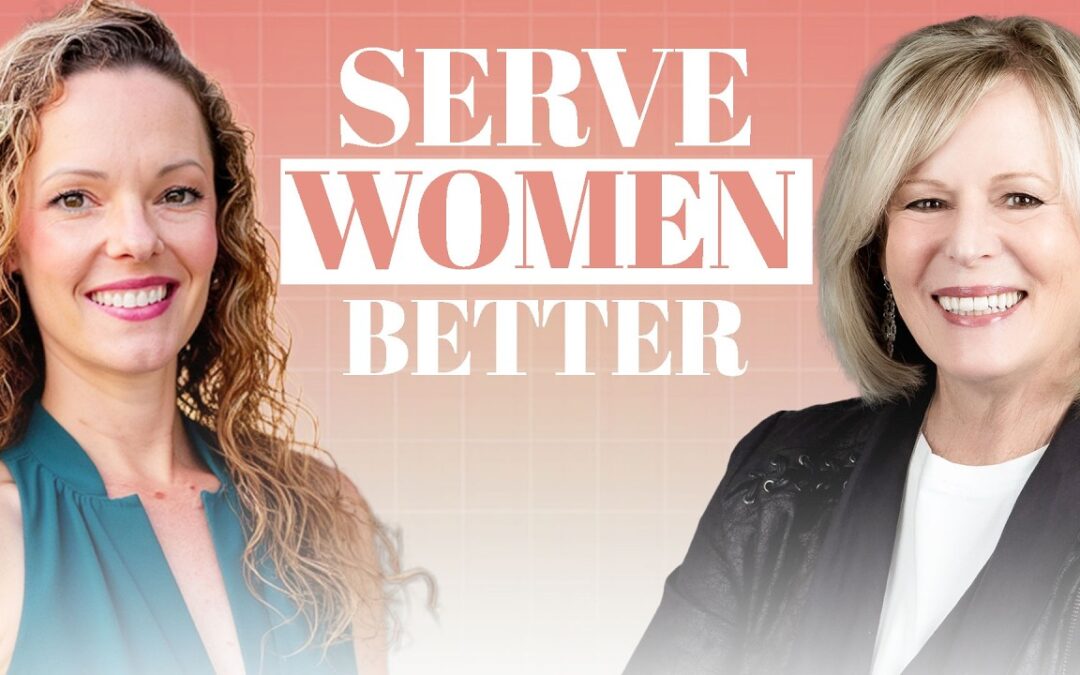
Women Control the Wealth Transfer. Is Your Firm Ready? | Dr. Barb Provost
Women are gaining more financial influence, inheriting more wealth, buying homes, leading households, and making more major money decisions than ever before, yet many financial brands still miss the mark in how they speak to, serve, and support women. In this episode,...